
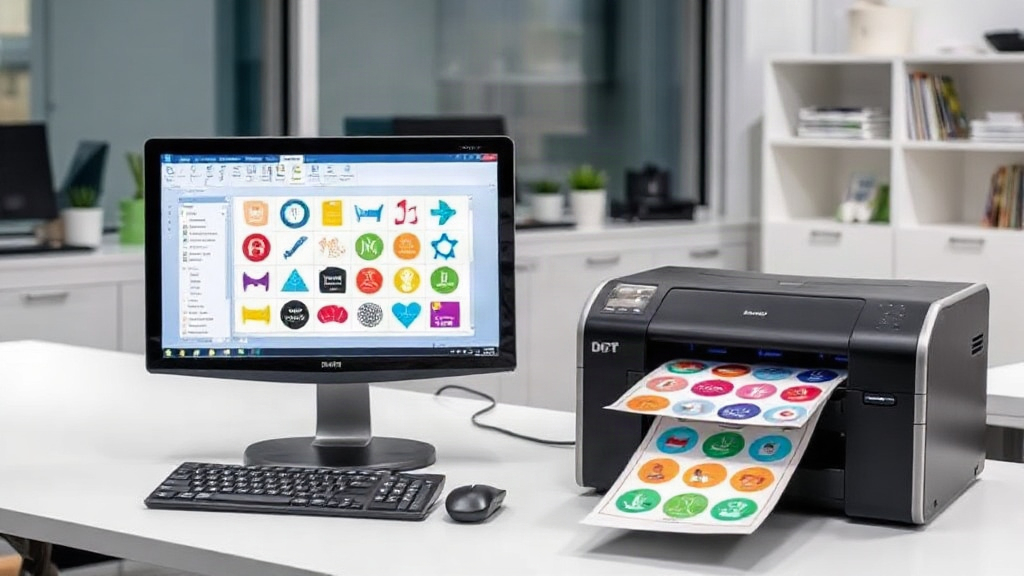
If you're in the custom apparel business, you know that dtf printing has revolutionized the way we produce vibrant, durable transfers. But are you getting the most out of every print? A dtf gangsheet builder might be the missing piece in your workflow. In this article, we'll explore how gang sheets work, why they matter, and how to use a builder to streamline your process and boost your bottom line.
What Is a DTF Gangsheet?
A gang sheet is a single sheet of DTF film containing multiple designs arranged efficiently. Instead of printing each design separately, you group them together, maximizing the use of the film. This approach saves time, reduces waste, and lowers your cost per transfer. Think of it as carpooling for your prints: more designs share the same ride, cutting expenses for everyone.
Why Use a DTF Gangsheet Builder?
Manually arranging designs on a sheet is tedious and error-prone. A dtf gangsheet builder automates the layout process, ensuring optimal use of space. It considers design dimensions, spacing requirements, and film width to create a perfectly packed sheet. The result? Less film waste, faster production, and higher profits. Plus, you can save and reuse layouts, making repeat orders a breeze.
Time Savings
Time is money. Manually nesting designs can take 15-20 minutes per sheet. With a builder, it's done in seconds. Multiply that by dozens of sheets per week, and you're looking at hours saved that can be redirected to marketing, customer service, or simply growing your business.
Cost Reduction
DTF film isn't cheap. By optimizing the layout, you can fit more designs on a single sheet, reducing the number of sheets needed. A typical gang sheet might save 20-30% on film costs compared to printing individually. Over a year, that adds up to thousands of dollars.
Consistency and Quality
Automated builders ensure consistent spacing and alignment, which is crucial for clean cutting and pressing. Manual layouts can lead to overlapping designs or uneven margins, causing errors and reprints. With a builder, every sheet is production-ready.
How to Choose the Right Gangsheet Builder
Not all builders are created equal. Here are key features to look for:
- Intuitive Interface: You shouldn't need a degree in graphic design to use it. Drag-and-drop functionality and visual feedback are essential.
- Automatic Nesting: The builder should automatically arrange designs for maximum density, considering rotation and spacing.
- Custom Sheet Sizes: Support for various film widths (e.g., 13", 17", 24") and custom lengths.
- Design Library: Ability to upload and store your designs for quick access.
- Export Options: High-resolution output compatible with your printer's software.
- Pricing Model: Some builders are free, others subscription-based. Consider your volume and budget.
Step-by-Step: Building a Gang Sheet
Let's walk through the process using a typical builder.
- Upload Your Designs: Import your artwork in PNG or PDF format with transparent backgrounds.
- Set Sheet Dimensions: Enter your film width and desired length (or let the builder calculate the optimal length).
- Add Designs: Drag designs onto the sheet or use the auto-fill feature.
- Adjust Layout: Fine-tune positions, rotate if needed, and ensure proper spacing (usually 0.25-0.5 inches between designs).
- Preview and Export: Check for overlaps or cut-off areas, then export the file to your printer's RIP software.
Best Practices for Gang Sheet Optimization
To get the most out of your dtf gangsheet builder, follow these tips:
- Group Similar Sizes: Designs of similar dimensions nest better together.
- Rotate When Possible: Rotating a design 90 degrees can sometimes fill gaps.
- Use Negative Space: Small designs can fit into the empty areas around larger ones.
- Keep Margins: Leave at least 0.25 inches from the edge for clean cutting.
- Test Print: Before committing to a full sheet, do a small test to ensure colors and alignment are correct.
Common Mistakes to Avoid
Even with a builder, some pitfalls can cost you. Avoid these:
- Overcrowding: Too little spacing can cause designs to bleed into each other during pressing.
- Ignoring Grain Direction: DTF film has a grain; rotating designs might affect stretchability.
- Forgetting Bleed: If designs have borders, ensure they have enough bleed to account for cutting tolerances.
- Not Saving Layouts: If you get a repeat order, having the layout saved saves time.
Frequently Asked Questions
What is a DTF gangsheet builder?
A dtf gangsheet builder is software that helps you arrange multiple DTF designs on a single sheet to maximize film usage and reduce costs.
Can I use a gangsheet builder for other printing methods?
While designed for DTF, the concept applies to DTG, sublimation, and screen printing. However, the builder's settings are optimized for DTF film characteristics.
How much can I save with a gangsheet builder?
Savings vary, but users report 20-30% reduction in film costs and significant time savings. The exact amount depends on your design sizes and volume.
Is a gangsheet builder worth it for a small shop?
Absolutely. Even if you print a few sheets a week, the time and material savings quickly outweigh the cost of the software. Many builders offer free trials or affordable plans.
What file formats work best with gangsheet builders?
PNG with transparent backgrounds is ideal. PDF and TIFF are also supported by most builders. Ensure high resolution (300 DPI) for best results.
Incorporating a dtf gangsheet builder into your workflow is a smart move for any DTF printer looking to scale. It's not just about saving money; it's about working smarter, reducing errors, and delivering quality to your customers faster. Give it a try and watch your profits grow.